Status Bar
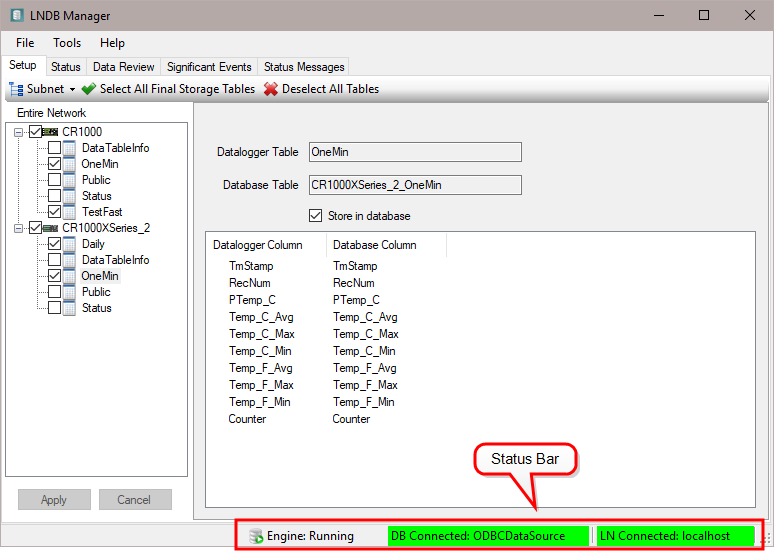
The Status Bar at the bottom of the main screen has three status labels:
LNDB Engine Status Label - Shows the state of the LNDB Engine.
DB Connection Status Label - Shows the selected data source and whether the connection is not connected, connecting, or connected.
LN Connection Status Label - Shows the LoggerNet host and port (if not the default port 6789) and whether the connection is not connected, connecting, or connected.
You can use the Status Bar as an alternative to LNDB's File menu. Double-click on any of the Status Bar labels to bring up the corresponding dialog box (i.e., the LNDB Engine Status Label to bring up the LNDB Engine Service Manager (see Installing and Starting the LNDB Service), the DB Connection Status Label to bring up Select Database (see Selecting a Database), or the LN Connection Status Label to bring up Login to LoggerNet Server (see Selecting a LoggerNet Server).