View Measurements
|
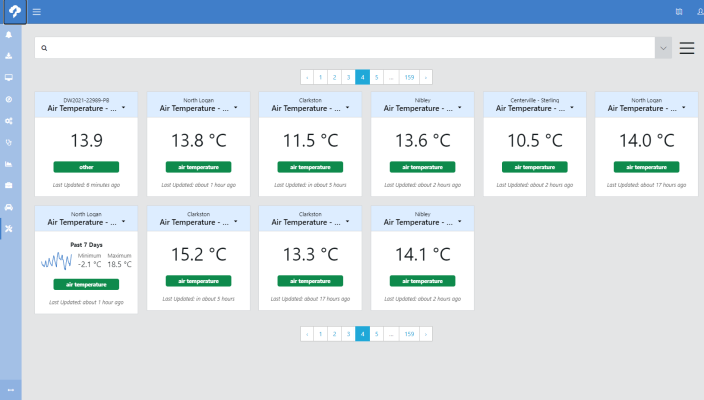
Use Measurements to see and configure settings for all measurements from all the stations in the network. TIP:
There is a lot of information available on this page. Configuration is the key to make it easy to use.
|
|
Use the drop-down next to the search box at the top of the screen to show station names, measurement names, measurement aliases, labels, measurement types, or measurement units. Type into the search box to narrow the lists of options based on what is typed.
|

|
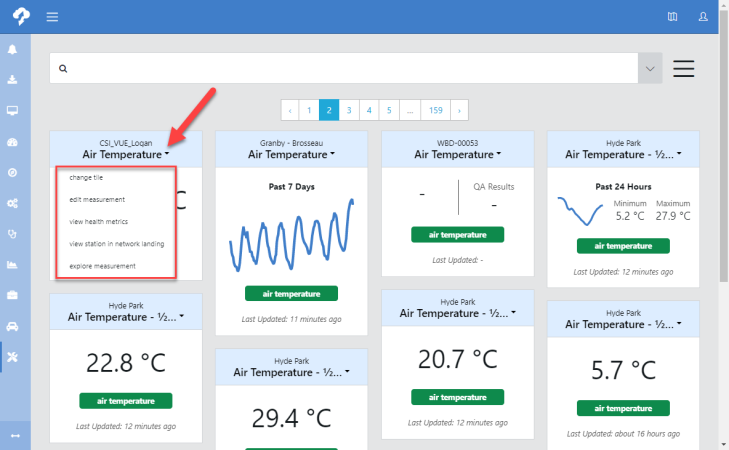
Use the drop-down menu next to a measurement name to access options to change measurement settings.
|
|
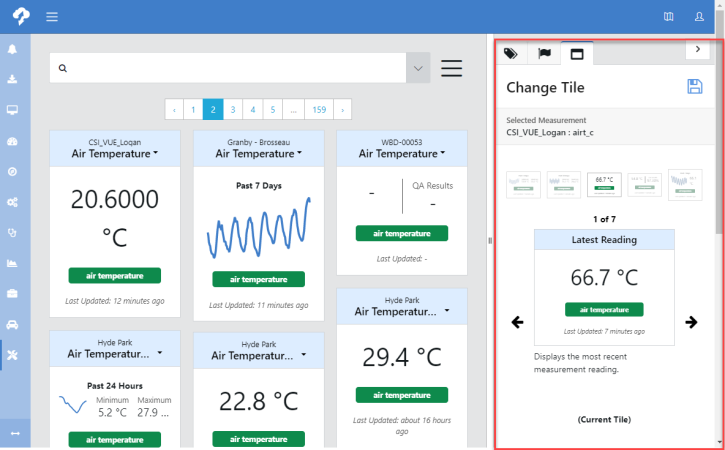
Select change tile from the drop-down to bring up a sub pane that allows you to navigate between different measurement settings.
|
|
For more detailed information on the View Measurements feature see Measurements, or click a link below to go to help for that specific tab. |