Restoring factory defaults
Restore factory defaults by using the DEFAULTS command in the terminal mode.
Hard Reset
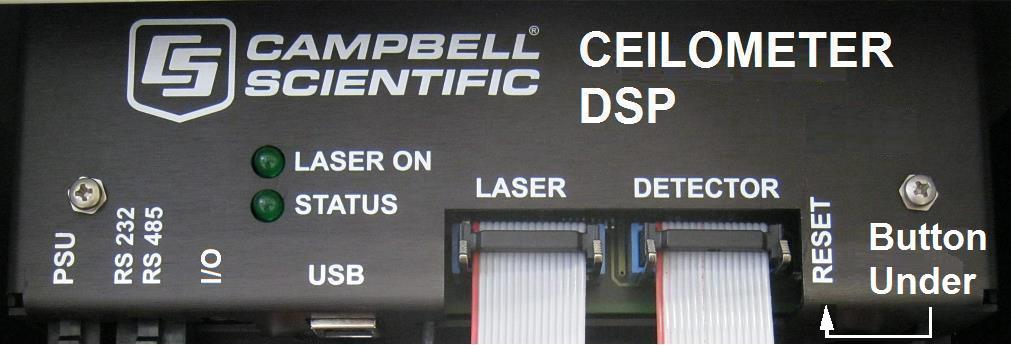
Alternatively, use the RESET push switch on the DSP to restore factory defaults (Restoring factory defaults.
First open the access door.
Opening the access
Opening the access
Use a narrow tool such as a screw driver to reach the reset switch.
If the reset switch is pushed for four seconds, the SkyVue 8 will reboot in exactly the same way as the REBOOT terminal command. If the reset switch is held closed while the SkyVue 8 is powered off and on again, the SkyVue 8 will return to factory defaults. To power cycle the SkyVue 8, disconnect the battery and switch the main power off and on.