The Unknown Device Type
When the Unknown device type is selected, a panel will be shown in the tab control similar to that shown below:
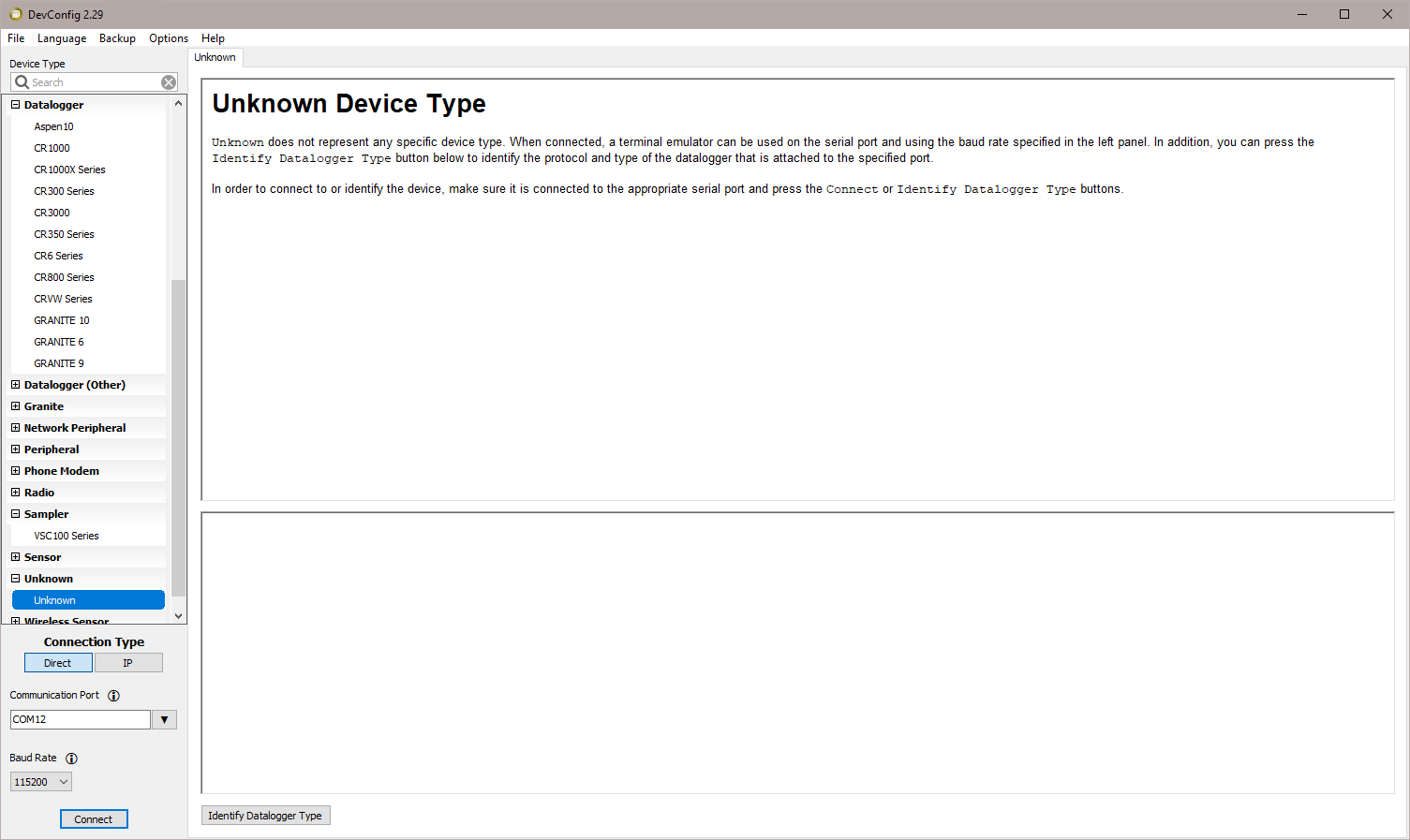
Clicking Connect puts DevConfig into Terminal emulation mode on the Serial Port and at the Baud Rate selected.
When you click on Identify Datalogger Type, DevConfig will attempt to identify the type of device that is connected on the specified serial port. It will attempt to communicate using each of the datalogger protocols (mixed-array, table-data, and PakBus) in turn. If it fails to get any answer to any of these attempts, the baud rate will be automatically changed and the various protocols will be attempted again. When DevConfig recognizes the response from the device and the device type is one of the supported types, that device type will automatically be selected.