Backing up and Restoring a Datalogger
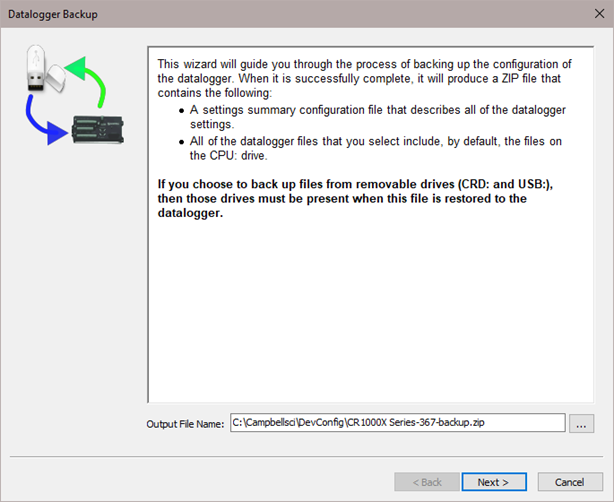
Since all settings will be restored to their default value when a new operating system is sent to a datalogger from DevConfig, it is a good idea to back up the datalogger first. This is done by selecting Back Up Datalogger from the DevConfig Backup menu. A wizard will appear to guide you through the backup process.
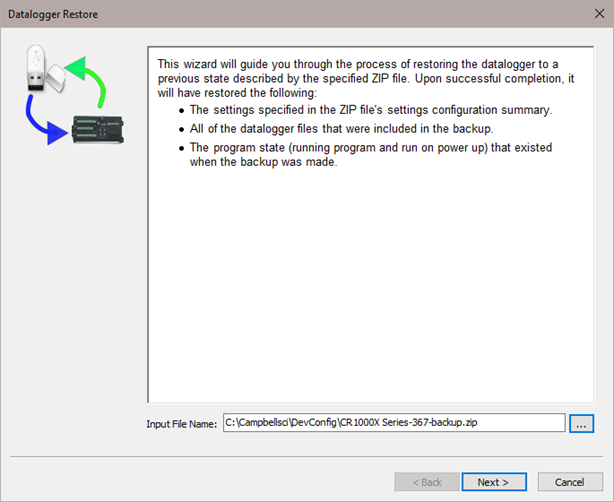
After downloading the operating system (or any other time you want to restore the datalogger to its state at the time of the backup), select Restore Datalogger from the Backup menu. A wizard will again appear to guide you through the restoration process.