Using the Wizard to Perform Zeroing Calibration
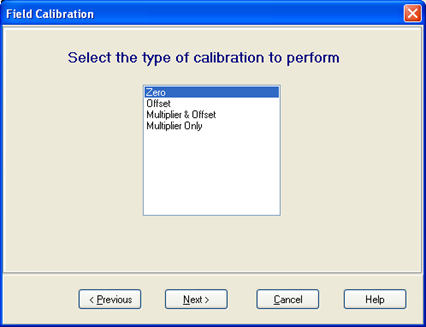
In the Wizard, select Zero for the type of calibration.
Select the sensor you wish to calibrate, press Next.
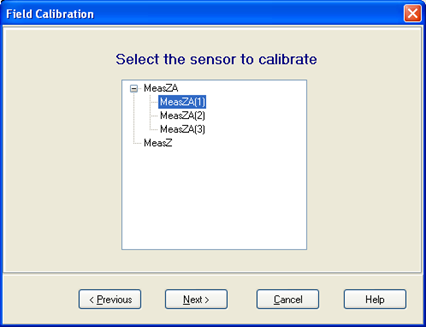
If the variable is configured as an array of sensors, you may select an individual item to calibrate only that element, or you can select the entire array.
Now you can monitor the reading on the sensor to be calibrated. Set the sensor to the zero condition, and press Calibrate.
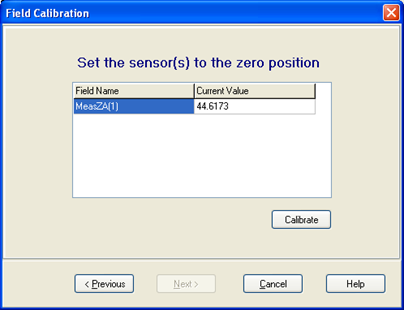
The Current Value box will be yellow during the calibration process. When it finishes, you will see the new value of the sensor after the application of the zeroing offset. Press Finish to end the calibration.