Using the Wizard to Perform Offset Calibration
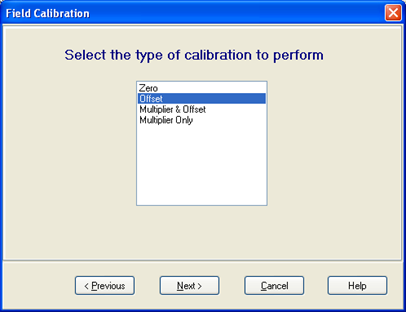
In the Wizard, select Offset for the type of calibration.
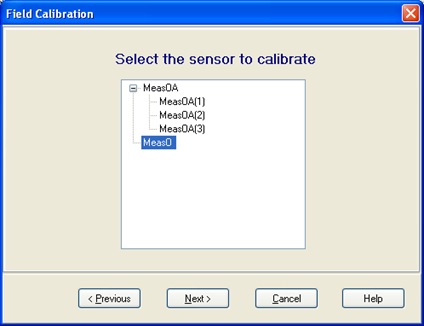
Select the sensor you wish to calibration, press Next.
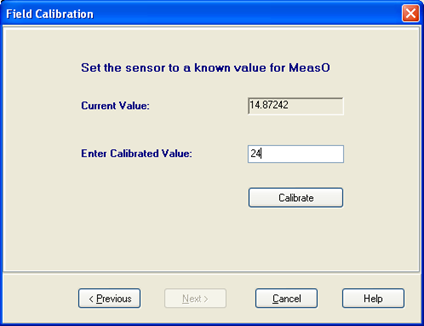
Now you can view the current reading on the sensor to be calibrated. Set the sensor to the known value (“calibrate to” value). Enter that value into the Enter Calibrated Value box. Press Calibrate. The current value will show Calibrating until the process is complete. You will then have the opportunity to press Finish, or press Previous to return and calibrate more sensors.