Verify correct cable type and ports
Data loggers are connected to the CELL-200 series module using either CS I/O ports or RS-232 ports.
The following images show the location of the CS I/O and RS-232 ports on the CELL200 series module, CR1000, CR1000X, and CR6 data logger models.
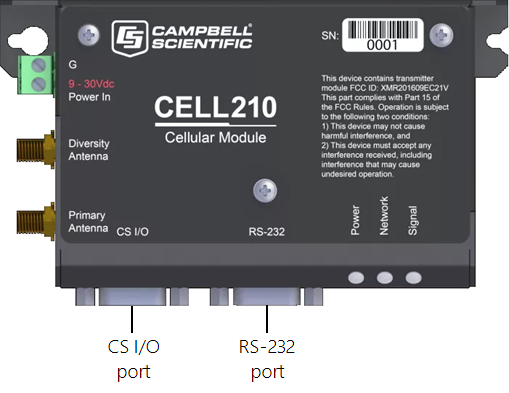
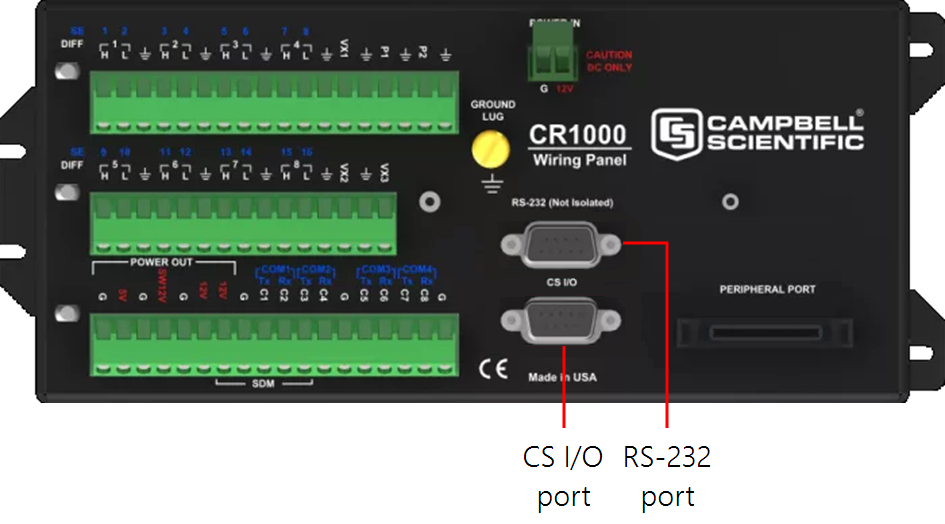
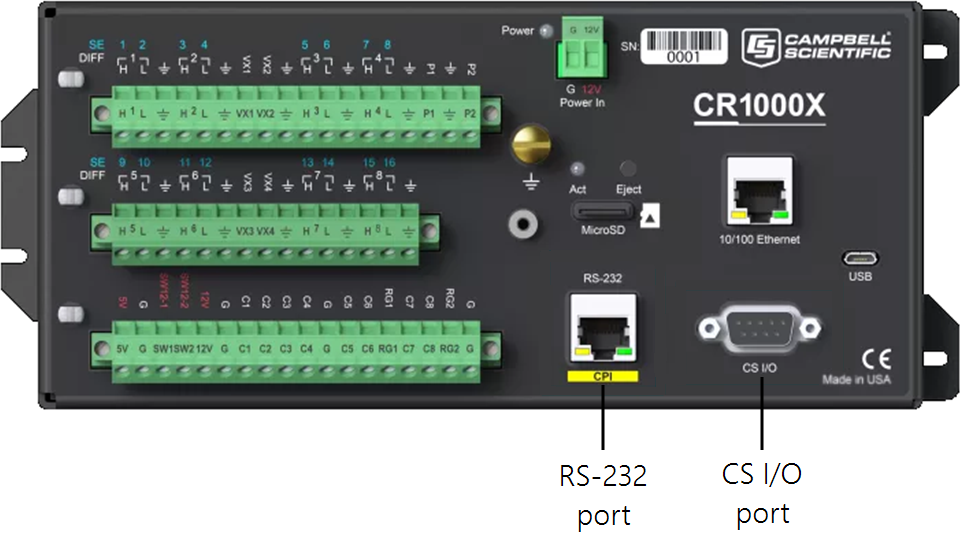
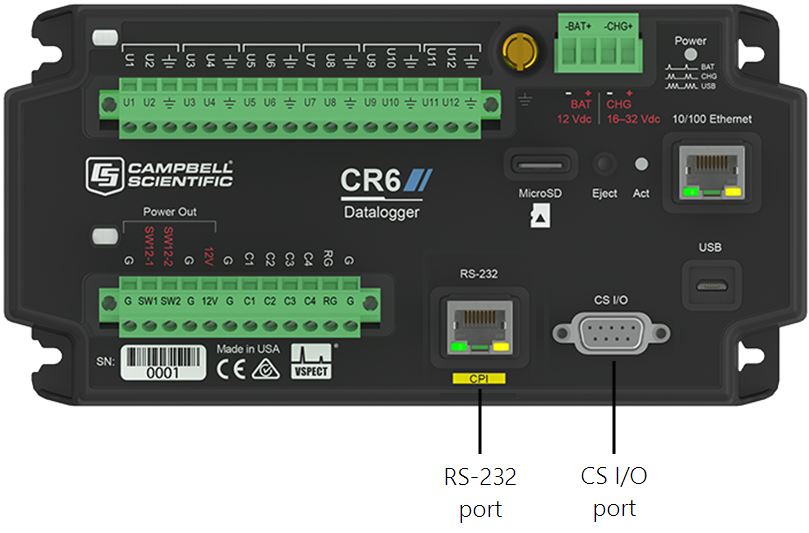
For communications between the CELL200 series module and the data logger to occur, the correct ports must be connected between the devices using the correct cable type.
-
When the CS I/O port is used, the SC12 cable included with your CELL200 series module is connected between the CS I/O port on the module and the CS I/O port on the data logger.
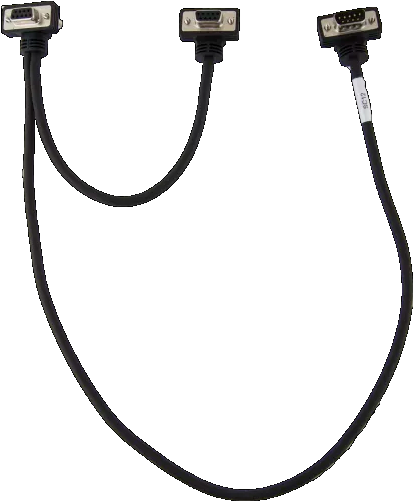
CS I/O (SC12 cable)
-
For GRANITE-series, CR6, and CR1000X data loggers, the 9-pin RS-232 port on the CELL200 series module is connected to the RS-232/CPI port on the data logger port using a CPI/RS-232 data cable.
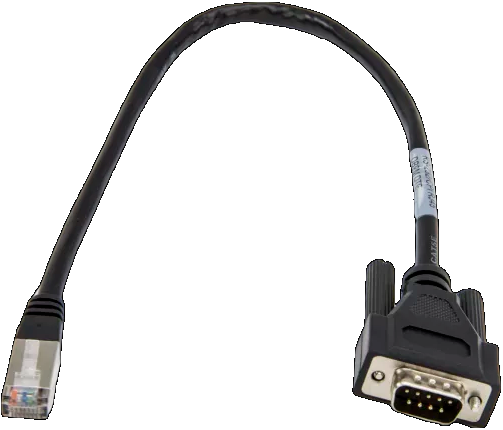
RS-232 (CR1000X, CR6, GRANITE)
-
For CR1000, CR3000, CR800-series, and CR300-series data loggers, a 9-pin (male to male) RS-232 null module cable is connected between the RS-232 port on the CELL210 to the 9-pin RS-232 port on the data logger.
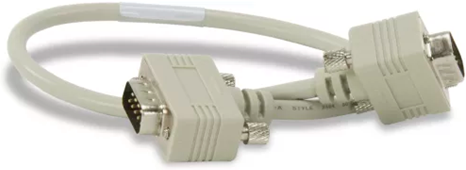
RS-232 (CR1000, CR800, CR3000, CR300 Series)