Getting started
Getting started provides an overview of how to get data from your Aspen 10™ to CampbellCloud.
See instructional videos at: https://www.campbellsci.com/aspen10#videosandtutorials_  .
.
This exercise guides you through the following steps:
- In the office:
- Setting up a CampbellCloud organization account
- Downloading the CampbellGo app to your smartphone
- In the field:
- Installing the Aspen 10 with your sensor
- Setting up CampbellGo
- Adding the Aspen 10 as an
 asset Primarily this is a data source such as a data logger or Aspen 10. It can also be another piece of hardware.
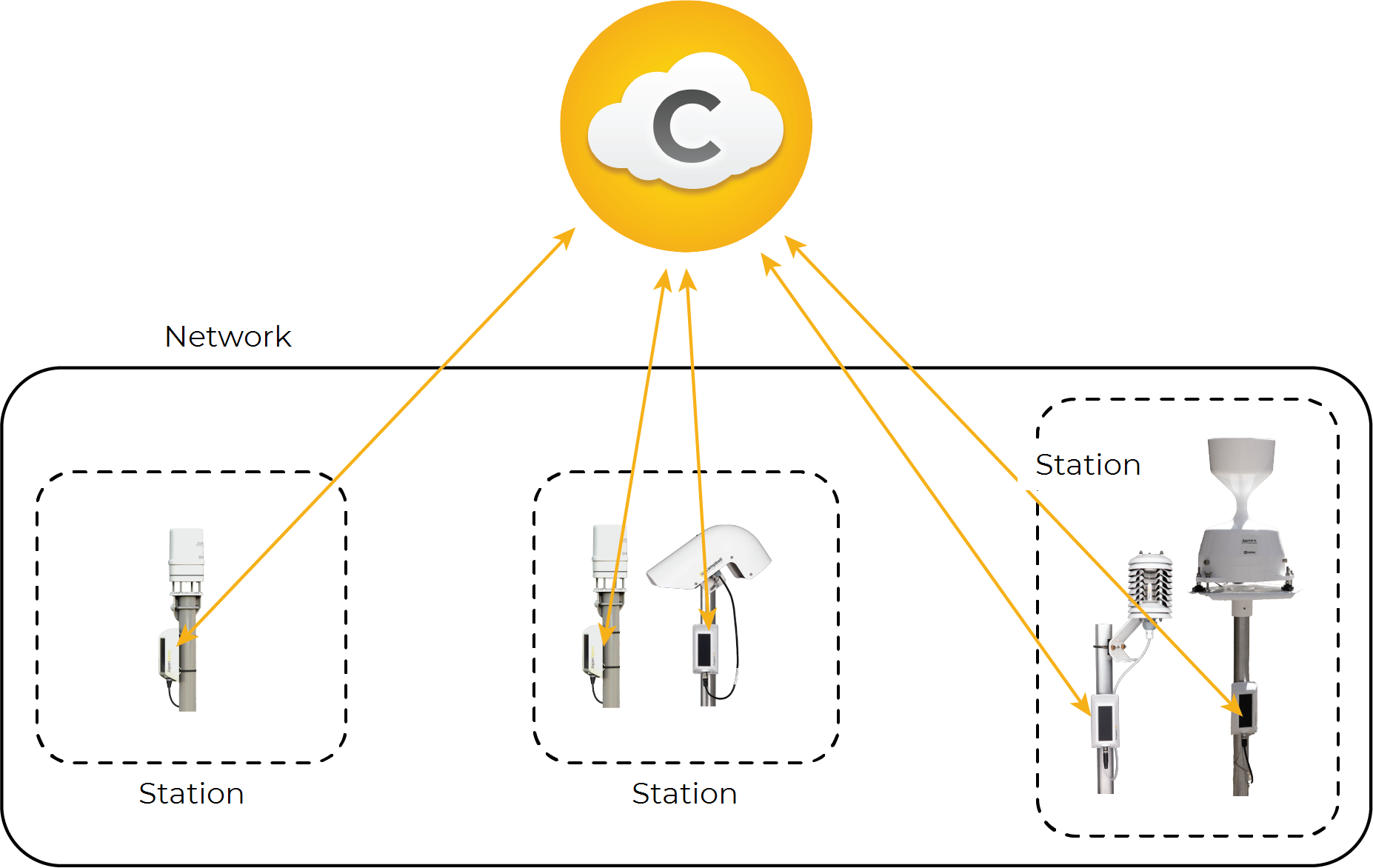
 - Creating a station A group of one or more assets in the default network A group of one or more stations.
- Using Go to view real time data
The following figure shows a network consisting of three stations. Each station has one or more assets associated with it.